
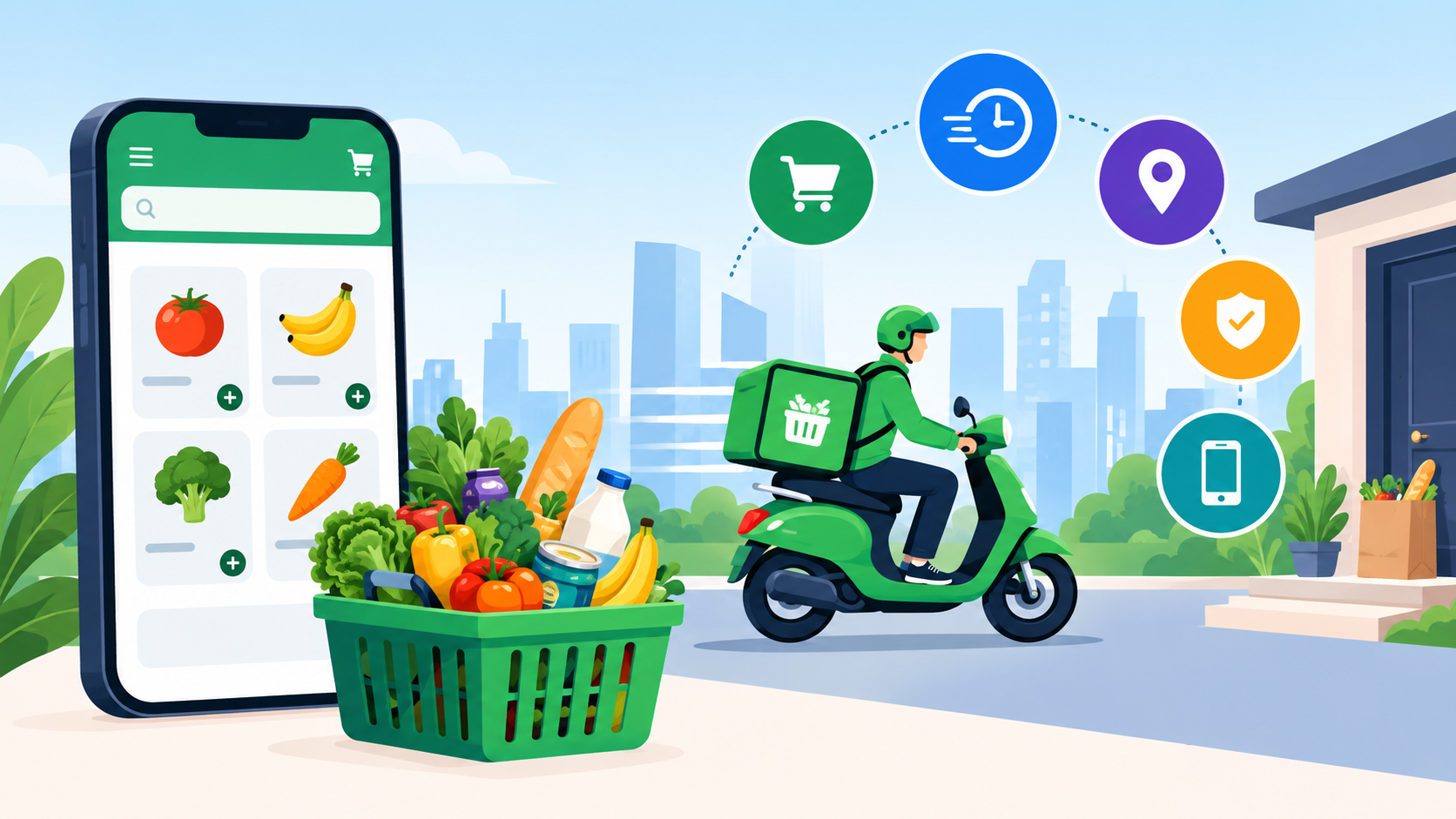
Key Takeaways:
- Quick commerce has raised shopper expectations. Fast delivery, accurate stock, and complete orders are now the baseline, so plan inventory and dispatch first, before design.
- A complete platform needs more than one app. Build the customer app, picker app, driver app, store dashboard, and admin panel so every handoff works.
- Real-time inventory and smart route optimization cut waste, late orders, and refunds. Forecasting, substitutions, and live tracking add accuracy that shoppers reward with repeat orders.
- Costs range from $6,000 to $70,000 depending on scope. Start with an MVP in one zone, then add advanced features as volume and feedback grow.
- Launch in one zone first, then expand. Track delivery time, order accuracy, and repeat orders, and keep improving after launch because customer expectations keep rising.
Nobody wants to wait for groceries anymore. Shoppers expect milk, produce, and dinner ingredients at the door in under an hour, and they will switch apps after one late or incomplete order.
That pressure is reshaping how grocery businesses build software.
In 2027, a winning grocery delivery app does more than list products. It tracks stock in real time, picks orders fast from dark stores or local shelves, and routes drivers through tight delivery windows. Miss on any one of those, and costs climb while customers leave.
This guide covers what it takes to build a grocery delivery app: quick commerce models, smart inventory systems, and last-mile delivery, so your platform runs fast, stays profitable, and keeps shoppers loyal.
How Grocery Delivery Apps Are Evolving in 2027?
Grocery apps in 2027 look nothing like the simple order forms of a few years ago. Speed, live inventory, and smarter delivery now set the winners apart. Here's how the category is changing, and what shoppers now expect from them.
1. How Quick Commerce Is Replacing Scheduled Slots
Fewer shoppers plan orders a day ahead anymore. Many want groceries within an hour.
Brick Meets Click estimates same-day orders made up nearly 80% of U.S. grocery delivery orders in Q1 2026, which pushes apps toward faster picking and dispatch.
2. How Real-Time Inventory Keeps Orders Accurate
Nothing frustrates shoppers like a missing item. Modern apps sync stock with store and warehouse systems in real time, hide sold-out products, suggest smart substitutions, and use forecasting to restock before shelves run empty, so far fewer orders arrive incomplete.
3. How Apps Become the Default Way to Shop
Online grocery keeps gaining ground. Brick Meets Click reports online's share of U.S. grocery spending climbed from under 15% in Q3 2024 to over 19% in Q1 2026, rewarding apps with easy reordering, memberships, and personal offers for every household.
4. How Last Mile Delivery Gets Smarter
Smart route optimization now groups nearby orders, predicts traffic, and assigns the closest driver automatically.
Live tracking shows customers exact arrival times, while proof of delivery photos and cold-chain checks protect fresh food, cutting complaints, refunds, and many costly failed drop-offs.
Quick Commerce Trends Transforming Online Grocery Delivery
Quick commerce has turned a weekly chore into an on-demand habit. Dark stores, smarter forecasting, and tighter delivery windows are changing what shoppers expect from every grocery app. These trends reveal where the online grocery delivery market is headed next.
1. How Delivery in 30 Minutes or Less Is Becoming the Standard
Speed is the main selling point. Leading apps now promise delivery in 30 minutes or less by shrinking the distance between stock and customer. To compete, you need fast order batching, instant dispatch, and live ETAs that customers can trust.
2. How Dark Stores Cut Delivery Time
Dark stores are small warehouses built only for online orders. Each site needs inventory, picking, and dispatch software, which shapes your retail software development cost. Start with a few locations, prove demand, and expand once orders per site stay high.
3. How AI Demand Forecasting Keeps Shelves Stocked
Quick commerce depends on having the right item nearby. AI forecasting studies past orders, weather, local events, and seasons to predict demand for each location, helping teams stock the right products, cut spoilage, and avoid costly out-of-stock moments for shoppers.
4. How Personalization Drives Repeat Orders
Shoppers reorder what they know. Apps now learn each household's habits, then suggest favorites, bundles, and recipes, and flag deals at the right moment. Personal touches raise order value and make customers far less likely to switch to a rival.
5. How Memberships and Subscriptions Build Loyalty
Delivery fees push shoppers away, so many apps now offer memberships with free delivery, member prices, and priority slots. Recurring subscriptions for staples like milk and eggs bring predictable revenue and give you better data for planning inventory and staffing.
6. How Automation and Greener Delivery Lower Costs
Warehouse picking robots, smart shelf scanners, and route software cut labor time per order. Electric bikes and vans reduce fuel costs and emissions on short trips, which matters as shoppers, cities, and investors all pay much closer attention to sustainability.
Essential Features for Grocery Delivery App Development
Great grocery apps feel effortless to shoppers, even though a lot happens behind the scenes. Working with retail software development services helps you choose features that speed up orders, prevent errors, and keep happy customers coming back week after week.
1. How Easy Sign-Up and Smart Search Help Shoppers Start Fast
Shoppers abandon slow sign-ups. Offer login with email, phone, or Apple and Google accounts, then add search that handles typos, brands, and filters like organic or gluten-free. Barcode scanning and recent items help people find what they want in seconds.
2. How Real-Time Inventory Sync Prevents Missing Items
Show only what is truly in stock. Connect the app to store, warehouse, and POS systems so quantities update instantly. Add low-stock alerts, expiry tracking, and automatic substitution rules, so pickers know the backup and shoppers get fewer incomplete orders.
3. How Flexible Delivery Slots and Checkout Increase Conversions
Let customers pick instant delivery, a time window, or store pickup. Show delivery fees and totals early, support cards, wallets, and saved addresses, and add one-tap reorder. A short, clear checkout reduces abandoned carts, especially for people shopping on phones.
4. How Live Order Tracking Builds Trust
Customers want to know where their groceries are. Show each stage, from picking to packing to delivery, with a live map and accurate ETA. Push notifications, driver chat, and substitution approvals keep shoppers informed without ever calling the support team.
5. How Picker, Driver, and Store Apps Keep Operations Moving
The customer app is only half the product. Pickers need optimized pick paths and barcode scanning, while drivers need batched routes and proof of delivery. Store managers need dashboards for orders and staffing, so every handoff stays fast and accurate.
6. How Admin Tools, Analytics, and Security Protect the Business
A central admin panel manages products, prices, promotions, zones, and users. Analytics show sales, delivery times, and stock waste, while secure payments, encryption, and role-based access protect customer data. Together, they help you spot problems early and run the business.
How to Develop a Grocery Delivery App in 2027?
A grocery app lives or dies on what happens after the tap. Picking, packing, and delivery all have to run smoothly. Strong logistics software development sits at the heart of the build, so plan it early, before design work begins.
Stage 1: Research the Market and Pick Your Model
Study your local competitors, delivery zones, and shopper habits first. Decide on your model: quick commerce from dark stores, delivery from existing stores, or a multi-store marketplace. A clear model guides your features, team size, budget, and your launch plan.
Stage 2: Plan Features and Choose Your Platforms
List must-have features for launch and nice-to-haves for later. You will need a customer app, picker app, driver app, store dashboard, and admin panel. Choose iOS, Android, or both, and write clear requirements before design begins, so every team agrees.
Stage 3: Sort Out Licenses, Partners, and Compliance
Check local rules for food safety, alcohol sales, age verification, and delivery. Plan for PCI DSS on payments and privacy laws like CCPA. Line up suppliers, store partners, and payment providers early, so legal gaps never delay your planned launch.
Stage 4: Design the User Experience
Design for speed and one-handed use. Map the path from search to checkout, then build wireframes and clickable prototypes for every app. Test with real shoppers, pickers, and drivers, and simplify any step that slows them down or causes errors.
Stage 5: Select the Tech Stack and Architecture
Pick tools your team can support. Choose a backend language, database, cloud host, and maps provider, then split the system into services for orders, inventory, payments, and dispatch. Plan for spikes and growth now, because changing architecture later costs more.
Stage 6: Estimate Your Budget and Timeline
Set a realistic budget before building. On-demand app development cost depends on features, number of apps, integrations, and city coverage. Start with an MVP for one zone, then add advanced tools like AI forecasting once orders show you what matters.
Stage 7: Build the Core Apps and Integrations
Build in short sprints with regular demos. Start with catalog, cart, checkout, and order management, then add picker and driver apps. Connect payments, maps, SMS, and POS or inventory systems through APIs, and test each integration in safe sandbox environments.
Stage 8: Test Everything Before Customers Arrive
Test full order journeys: search, checkout, picking, substitutions, delivery, and refunds. Run load tests for peak hours and security tests on payments and data. Try real devices and poor networks, and fix every issue you find before launch day arrives.
Stage 9: Launch in One Zone First
Release in one neighborhood or city first. Train pickers and drivers, set delivery zones, and watch order times, substitution rates, and support tickets closely. Fix problems quickly, then expand zone by zone as the operation proves it can handle growth.
Stage 10: Measure, Improve, and Scale
Track delivery time, order accuracy, repeat orders, basket size, and waste on live dashboards. Use the data to tune slots, stock levels, and routes. Ship updates regularly, and add features like memberships and personalization as your customer base steadily grows.
Inventory Management and Last-Mile Delivery Optimization
Accurate stock and efficient delivery decide if grocery orders arrive complete and on time. An on-demand app development company connects inventory data with dispatch tools, so every order is picked correctly and delivered quickly, without wasting products or driver hours.
1. How Real-Time Stock Sync Keeps Counts Accurate
Link the app to POS, warehouse, and supplier systems so every sale, return, and delivery updates stock instantly. Use barcode scans during receiving and picking, and run quick cycle counts, so the numbers shoppers see match the actual store shelves.
2. How Demand Forecasting Reduces Waste and Stockouts
Forecasting models study past orders, weather, holidays, and local events to predict demand by item and location. Teams then reorder earlier for popular products and reduce stock of fast-expiring ones, which cuts spoilage and avoids empty shelves during busy weekends.
3. How Expiry Tracking and Smart Substitutions Protect Freshness
Track batch numbers and expiry dates, and sell the oldest stock first. When an item runs out, suggest close substitutes by brand, size, and price, and let customers approve or reject them quickly in the app before packing ever begins.
4. How Efficient Picking Speeds Up Order Prep
Pickers work faster with optimized pick paths, batch picking, and barcode checks at each item. Organize shelves by demand and temperature zone, and use handheld screens, so staff fill orders quickly, avoid mistakes, and hand off packed bags on time.
5. How Route Optimization Cuts Delivery Time and Cost
Routing software groups nearby orders, sequences stops, and factors in traffic and delivery windows. Shorter routes mean more deliveries per driver each hour, lower fuel costs, and fewer late arrivals, especially during dinner rush and weekend peaks when demand surges.
6. How Smart Dispatch Assigns the Right Driver
Automatic dispatch matches each order with the closest available driver, based on location, current load, vehicle type, and order size. Cold or heavy orders go to suitable vehicles, and reassignment kicks in fast if a driver declines or runs behind.
7. How Live Tracking and Accurate ETAs Reduce Support Calls
Share a live map, driver status, and a precise arrival window with every customer. Update ETAs automatically when traffic changes, and send alerts for pickup, dispatch, and arrival, so shoppers stay informed and rarely need to contact customer support teams.
8. How Delivery Proof and Cold-Chain Checks Protect Quality
Require photo proof, signatures, or PIN codes at the door, and log temperature checks for frozen and chilled items. These records settle disputes quickly, reduce refund fraud, and show customers that fresh food arrives safe, cold, and exactly as ordered.
Grocery Delivery App Development Cost and Timeline in 2027
Most grocery delivery apps cost between $6,000 and $70,000 and take three to nine months to build, depending on scope.
Features, apps, and integrations drive the gap. Knowing your courier delivery app development cost early helps you plan a budget and timeline that hold up.
|
Development Element |
What It Covers |
Estimated Cost |
|
Market Research and Planning |
Competitor review, delivery zones, feature scoping, and project roadmap |
500-600 |
|
Admin Panel and Analytics |
Product, price, and user management, plus sales and delivery reports |
700-800 |
|
Testing, Deployment, and Launch |
QA, load testing, cloud setup, and App Store and Google Play release |
900-1,000 |
|
UI/UX Design |
Wireframes, prototypes, and screens for every app in the platform |
1,200-1,400 |
|
Payment Gateway and Security |
Cards, wallets, saved payment methods, encryption, and access controls |
1,800-2,000 |
|
Live Order Tracking and Notifications |
Order status, live map, ETAs, push alerts, and SMS updates |
2,500-3,000 |
|
Customer App (iOS and Android) |
Search, cart, checkout, delivery slots, reorder, and order history |
3,500-4,000 |
|
Picker and Driver Apps |
Pick paths, barcode scanning, batched routes, and proof of delivery |
4,500-5,000 |
|
Inventory Management and POS Sync |
Real-time stock, expiry tracking, substitutions, and store system integration |
5,500-6,000 |
|
Route Optimization and Dispatch Engine |
Smart order batching, driver assignment, and delivery time prediction |
6,500-7,500 |
Final Thoughts
Grocery delivery in 2027 rewards the businesses that get the basics right. Shoppers want fast delivery, accurate stock, and orders that arrive complete.
Quick commerce raises the bar, but only a solid foundation of inventory, dispatch, and customer experience can meet it.
Start with a clear model and a focused scope. Launch in one zone, learn from real orders, and add features like forecasting, memberships, and personalization as demand grows. Budget for integrations and testing, since they shape how smooth the app feels.
The grocers and startups that win will treat software as part of daily operations, not a side project.
Pick a partner who understands logistics, plan carefully, and keep improving after launch. Your customers will notice the difference.
FAQ's
A grocery delivery app lets shoppers browse products, build a cart, and get groceries delivered or ready for pickup. Behind the screen, it connects store inventory, pickers, drivers, and payments, so orders move from shelf to doorstep smoothly and quickly.
Quick commerce means delivering groceries in roughly 30 to 60 minutes, often from small local warehouses called dark stores. It depends on fast picking, nearby stock, and smart dispatch, and it suits urgent, small-basket orders best, such as dinner items.
Costs typically range from $6,000 to $70,000, depending on scope. The number of apps, integrations, delivery zones, and advanced features like route optimization raise the price most. Licensing, legal, and dark store setup are usually separate costs, so budget early.
A focused MVP for one city often takes three to six months. A full platform with customer, picker, driver, and admin apps, plus inventory and routing integrations, can take six to nine months or more, depending on your exact scope.
Core features include smart search, real-time inventory, flexible delivery slots, easy checkout, live order tracking, and secure payments. You also need picker and driver apps, plus an admin panel for products, prices, promotions, and analytics, so your team runs operations.
They sync with store, warehouse, and POS systems so stock updates after every sale. Apps hide sold-out items, track expiry dates, suggest substitutions, and use forecasting to reorder early, which reduces waste and incomplete orders for stores and customers alike.
Use route optimization to batch nearby orders, assign the closest driver, and adjust for traffic. Add live tracking, accurate ETAs, and proof of delivery, so customers stay informed and drivers complete more deliveries per hour with far fewer late arrivals.
Third-party marketplaces like Instacart bring instant demand but take fees and often own the customer relationship. A custom app costs more upfront, yet gives you control over branding, data, margins, and loyalty programs. Many grocers combine both approaches for flexibility
Common choices include React Native or Flutter for mobile, Node.js, Java, or Python for the backend, PostgreSQL for data, and Google Maps or Mapbox for routing, hosted on AWS, Google Cloud, or Azure. Pick tools your team can easily support.
Common challenges include inaccurate stock, thin margins, late deliveries, and driver shortages. Perishable items add spoilage and cold-chain risks. Strong inventory sync, route optimization, and clear substitution rules help prevent most of these problems before they reach your actual customers.

CrinPro
CrinPro Solutions is a leading IT company that helps startups and enterprises build innovative digital products. From intuitive mobile applications and high-performance websites to AI-powered solutions and enterprise software, our team delivers scalable, secure, and user-focused products tailored to unique business needs. With expertise across multiple industries, we transform ideas into digital experiences that drive growth, improve efficiency, and create long-term business value.


