Key Takeaways:
- Estimated cost: 8,000–90,000+ for custom POS app development.
- Development timeline: Approximately 2–10+ months, depending on scope.
- Essential features: Checkout, payment processing, transaction records, inventory, and reporting.
- Major cost factors: integrations, hardware support, security, and platform complexity.
- Long-term planning: Include maintenance, infrastructure, and payment-related operating expenses.
Point-of-sale (POS) applications help businesses manage transactions, accept payments, track sales, and monitor inventory through a connected digital platform. Solutions like Square have made these capabilities accessible to retailers, restaurants, service providers, and small businesses.
In 2027, businesses planning to build a similar solution need to consider more than the initial app interface. The cost to build a POS app like Square depends on payment processing, inventory management, hardware compatibility, reporting tools, security requirements, and integrations with existing business systems.
A basic POS application may require a relatively modest investment, while a comprehensive platform supporting multiple locations, advanced analytics, and different payment methods can require significantly more development effort.
Understanding the POS app development cost early helps businesses define their essential features, choose suitable technologies, and establish a realistic budget before development begins.
What Is a POS App Like Square, and How Does It Work for Businesses?
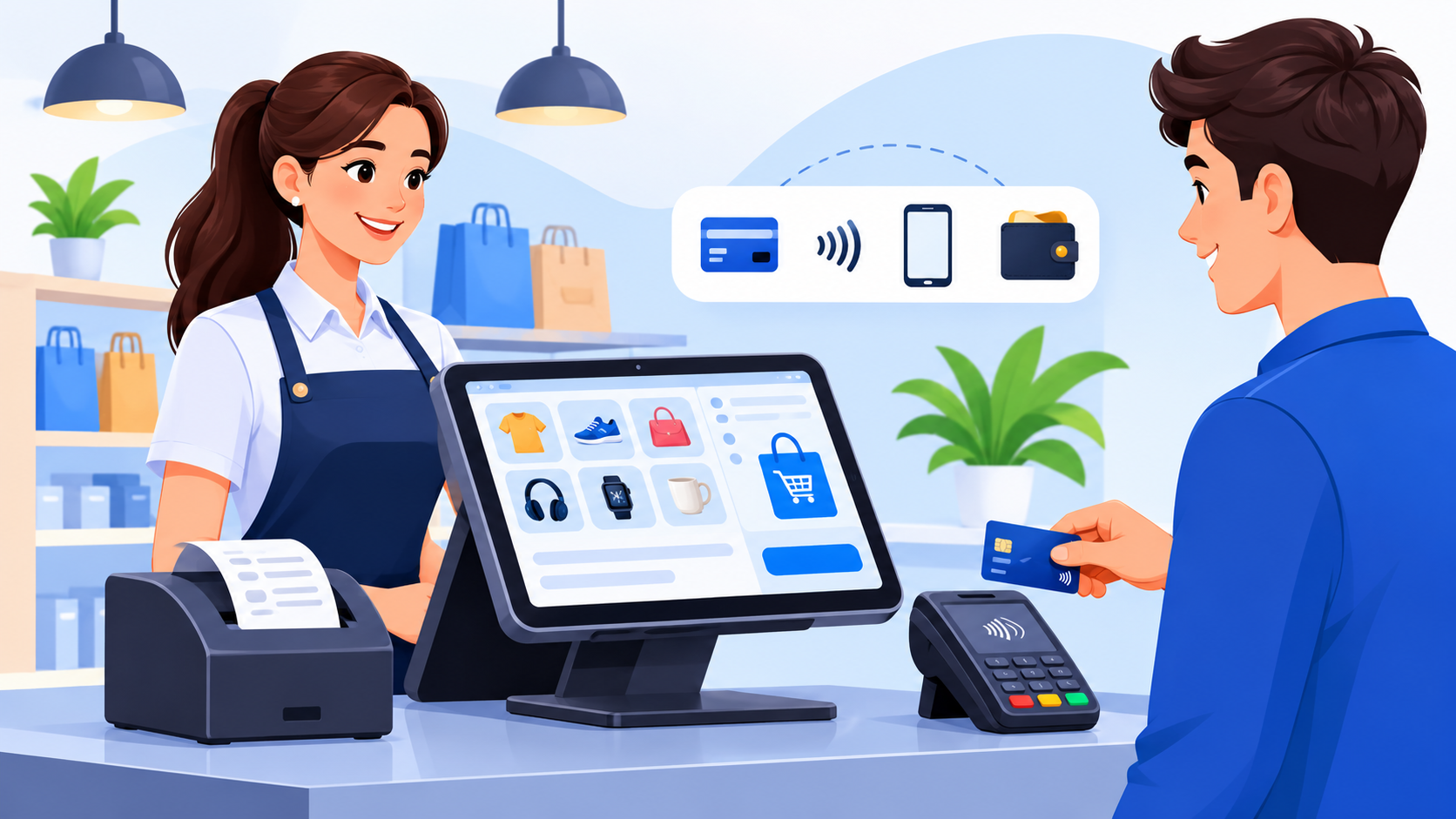
A POS app like Square is a digital point-of-sale solution that enables businesses to process payments, manage sales, track inventory, and access transaction reports through a connected system. Depending on the product's scope, it can operate on smartphones, tablets, computers, and compatible payment terminals.
How Does a POS App Work?
A typical POS application connects several business functions through a shared platform:
- Product or service selection: Staff selects items, services, or custom charges from the sales interface.
- Payment processing: The application sends payment requests through an integrated payment processor or supported terminal.
- Transaction recording: Successful transactions are recorded for receipts, reporting, and reconciliation.
- Inventory updates: Product quantities are adjusted automatically when inventory tracking is enabled.
- Business reporting: Owners can review sales performance, refunds, transaction history, and other operational data.
Core Components of a Square-Like POS System
- Sales interface: Supports checkout, discounts, taxes, and receipt generation.
- Payment integration: Handles payment authorisation, transaction status, and refunds through supported payment services.
- Inventory management: Tracks products, stock levels, and item availability.
- Business dashboard: Provides sales reports, transaction history, and performance insights.
- Backend infrastructure: Connects devices, databases, payment services, and business workflows.
- Security controls: Protects customer information and supports secure transaction handling.
Businesses planning a POS app like Square should define which components they need before estimating development expenses. A basic checkout application has different requirements from a complete retail platform with employee management, customer loyalty, multi-location inventory, and advanced analytics.
Essential Features Every POS App Like Square Should Include
A POS application needs a combination of payment, sales, inventory, and reporting capabilities to support everyday business operations. The features included in the initial release will significantly influence the overall development budget.
1. Payment Processing
Payment processing is the foundation of a POS system. The application should support appropriate payment methods, transaction tracking, refunds, and payment status updates through reliable payment integrations.
2. Sales and Checkout Management
A checkout interface should allow employees to add products, apply discounts, calculate taxes, and generate digital or printed receipts. A streamlined workflow can help businesses complete transactions efficiently.
3. Inventory Management
Inventory tools help businesses track stock levels, manage product information, and receive alerts when items run low. More advanced systems can support stock transfers, purchase orders, and inventory synchronisation across multiple locations.
4. Sales Analytics and Reporting
Reporting features can provide insights into revenue, transaction volumes, refunds, and product performance. Advanced dashboards may also include historical comparisons and business performance indicators.
5. Customer Management
Customer profiles can store relevant purchase history, contact details, and loyalty information. Depending on business requirements, these features may support targeted promotions and customer retention initiatives.
6. Employee and Role Management
Businesses may need employee accounts, permission settings, shift tracking, and activity records. Role-based access controls can help restrict sensitive operations to authorised users.
7. Multi-Device and Hardware Compatibility
A Square-like POS app may need to work across smartphones, tablets, desktop systems, receipt printers, barcode scanners, and compatible payment terminals. Hardware compatibility should be validated early because it can affect both development and testing.
8. Cloud Synchronisation and Offline Support
Cloud synchronisation helps businesses access consistent information across connected devices and locations. Offline capabilities can allow selected operations to continue during connectivity interruptions, with transactions synchronised when the connection returns.
9. Security and Administration
Administrative tools should support user management, transaction monitoring, audit records, and configuration settings. Security controls should protect sensitive data and help businesses maintain reliable operations.
Development planning tip: Start with the essential checkout, payment, transaction history, and reporting features. Add advanced inventory, loyalty programmes, workforce management, and multi-location functionality as business requirements grow.
How Much Does It Cost to Build a POS App Like Square in 2027?
The cost to build a POS app like Square can range from $8,000 to $90,000+, depending on the features, payment integrations, hardware compatibility, security requirements, and complexity of the application. A basic POS app with essential checkout functions requires less development effort than an advanced platform supporting multiple locations, inventory management, analytics, and extensive integrations.
Estimated POS App Development Cost and Timeline
|
POS App Type |
Estimated Development Cost |
Timeline |
|
Basic POS App |
8,000–20,000 |
2–3 months |
|
Mid-Level POS App |
20,000–40,000 |
3–5 months |
|
Advanced POS App |
40,000–70,000 |
5–7 months |
|
Enterprise POS Platform |
70,000–90,000+ |
7–10+ months |
The overall POS software development cost depends on the required features, payment integrations, hardware compatibility, and the complexity of the business workflows.
Additional Costs to Consider
The initial development budget may not cover every expense. Businesses should also account for:
- Payment processing and transaction fees
- Cloud hosting and database services
- Third-party APIs and software licences
- POS terminals, printers, scanners, and other hardware
- Security testing and compliance requirements
- Ongoing maintenance, upgrades, and technical support
The final POS app development cost should be based on a clearly defined feature list and technical scope. Starting with an MVP can help businesses validate their requirements before investing in a more comprehensive Square-like platform.
POS App Development Cost Breakdown for Simple, Mid-Level, and Advanced Apps
The POS app development cost depends on the number of features, supported platforms, payment integrations, and operational requirements. Businesses can reduce initial investment by launching with essential functionality and expanding the application as their needs evolve.
|
Development Level |
Features Included |
Estimated Cost |
Timeline |
|
Basic |
Checkout, payment integration, receipts, transaction history |
8,000–20,000 |
2–3 months |
|
Intermediate |
Inventory, customer profiles, employee accounts, sales reports |
20,000–40,000 |
3–5 months |
|
Advanced |
Multi-location support, loyalty programmes, advanced analytics, hardware integrations |
40,000–70,000 |
5–7 months |
|
Enterprise |
Custom workflows, extensive integrations, centralised management, advanced security |
70,000–90,000+ |
7–10+ months |
When estimating the Square clone app development cost, businesses should distinguish between recreating selected Square-like features and building a comprehensive platform with comparable operational capabilities. The broader the scope, the more time and resources the project is likely to require.
Key Factors That Affect POS App Development Cost
The total cost of developing a POS application depends on more than its core features. Platform requirements, payment processing, integrations, security, and long-term maintenance can all influence the final budget. Understanding these factors helps businesses prioritise investments and avoid unexpected expenses.
1. Feature Scope and Complexity
A POS app with basic checkout and transaction records requires less development effort than a platform with inventory forecasting, customer loyalty programmes, employee management, and multi-location reporting. Each additional feature increases implementation and testing requirements.
Businesses expanding beyond checkout and payment processing should also consider the retail software development cost when planning inventory, multi-store management, and other connected retail operations.
2. Platform Compatibility
Developing for Android, iOS, web, or desktop environments can affect the overall cost. Businesses must also consider compatibility with payment terminals, barcode scanners, receipt printers, and other POS hardware.
3. Payment Gateway Integration
Payment integration involves connecting the application to supported payment providers and handling transaction status, refunds, failed payments, and reconciliation. Supporting multiple payment methods or regional providers may require additional development and testing.
4. Third-Party Integrations
Connections with accounting software, CRM platforms, inventory systems, and e-commerce applications can increase development complexity. The availability and quality of APIs also influence integration effort.
5. Security and Compliance
A POS application must protect transaction records and sensitive customer information. Depending on its functionality and operating markets, the project may require secure authentication, encryption, audit logs, and payment-security controls.
6. UI/UX Design
An intuitive checkout interface helps employees complete transactions efficiently. Custom dashboards, accessible navigation, and streamlined workflows require design, prototyping, and usability testing.
7. Scalability and Performance
Applications supporting high transaction volumes or multiple locations may need more robust infrastructure, database optimisation, monitoring, and load testing.
8. Maintenance and Ongoing Support
Post-launch costs include bug fixes, operating-system updates, security patches, infrastructure management, and improvements based on business requirements.
Businesses connecting their POS with inventory, accounting, and e-commerce platforms may benefit from retail software development services that support reliable integrations and connected retail workflows.
Payment Processing, Hardware, and Third-Party Integrations
Integrations are an important part of building a POS app like Square because they connect checkout functionality with payment services, physical devices, and existing business systems. Their complexity can influence both the initial development budget and ongoing operating expenses.
1. Payment Gateway Integration
Payment gateways allow businesses to accept supported payment methods and manage transaction authorisation, refunds, and payment status. Developers must ensure that the application communicates reliably with the selected payment provider and handles failed or interrupted transactions appropriately.
If the product includes a dedicated mobile payment experience, the mobile payment app development cost should also account for payment security, supported payment methods, and provider integrations.
2. POS Hardware Compatibility
Depending on the business model, a POS application may need to work with card readers, receipt printers, barcode scanners, cash drawers, and other peripherals. Hardware compatibility testing is important because devices can use different connection methods and integration requirements.
3. Inventory and Accounting Integrations
Connecting the POS with inventory and accounting systems helps businesses synchronise stock levels, sales records, expenses, and financial reports. The effort required depends on the availability of APIs and the complexity of the existing systems.
4. CRM and E-commerce Connections
CRM integration can help businesses maintain customer profiles and purchase histories, while e-commerce integration can synchronise online and in-store sales. These connections are particularly useful for retailers managing multiple sales channels.
5. Cloud Services and Notifications
Cloud infrastructure supports data synchronisation, backups, reporting, and access across multiple devices. Notification services can also provide transaction updates, low-stock alerts, and other operational messages.
6. Managing Integration Costs
Businesses should identify their essential integrations before development begins. Using established providers and well-documented APIs can reduce implementation effort, while custom integrations may require additional development, testing, and maintenance.
A carefully planned integration strategy helps ensure that the POS application works reliably with the tools and devices businesses already use.
Essential Tools and Technologies for Building a POS App
Choosing the right technology stack is essential for building a POS application that processes transactions reliably, manages business data, and supports future expansion. The selection depends on the required features, target platforms, integration needs, and expected transaction volume.
|
Technology Layer |
Common Technologies |
Purpose |
|
Frontend Development |
React, Flutter, React Native |
Checkout interfaces, product catalogues, and dashboards |
|
Native Mobile Development |
Kotlin, Swift |
Platform-specific Android and iOS applications |
|
Backend Development |
Node.js, Python, Java, .NET |
Business logic, transaction processing, and API management |
|
Database |
PostgreSQL, MySQL, MongoDB |
Transaction records, products, inventory, and customer data |
|
Cloud Infrastructure |
AWS, Microsoft Azure, Google Cloud |
Hosting, backups, synchronisation, and scalability |
|
Payment Integration |
Stripe, Adyen, regional payment gateways |
Payment authorisation, refunds, and transaction status |
|
API and Integration Layer |
REST APIs, GraphQL, webhooks |
Connectivity with accounting, CRM, and inventory systems |
|
Security |
OAuth 2.0, OpenID Connect, encryption |
Authentication, access control, and data protection |
|
Analytics and Monitoring |
Grafana, Prometheus, Power BI |
Performance monitoring and business reporting |
Security and Compliance Requirements for POS Applications
Security is a critical consideration when building a POS application because the system may handle payment transactions, customer information, employee accounts, and sensitive business records. A secure architecture helps protect this information and maintain reliable operations.
1. Secure Authentication and Access Control
The application should provide secure login mechanisms and role-based permissions. For example, cashiers may process sales, while managers can access refunds, financial reports, and administrative settings. Multifactor authentication can provide additional protection for privileged accounts.
2. Payment Data Protection
POS applications should use secure payment integrations and avoid storing sensitive card data unnecessarily. Where applicable, businesses should work with payment providers and infrastructure that support relevant payment-security requirements, including PCI DSS.
A strong cybersecurity software development approach helps protect transaction data through secure authentication, encryption, access controls, and regular vulnerability testing.
3. Data Encryption
Encryption in transit and at rest helps protect customer details, transaction records, and other sensitive information. Secure key management and appropriate access restrictions are also important.
4. Fraud Prevention and Transaction Monitoring
Transaction monitoring can help identify unusual activity, repeated payment failures, suspicious refund patterns, and other potential indicators of fraud. Businesses should establish appropriate review procedures for flagged transactions.
5. Audit Logs and Monitoring
Audit logs can record important events such as logins, permission changes, refunds, and administrative actions. Monitoring tools help teams identify technical problems and investigate suspicious activity.
6. Compliance and Regular Updates
Requirements depend on the countries where the application operates, the payment methods it supports, and the information it processes. Businesses should review applicable privacy, consumer-protection, and payment-security obligations.
Regular security testing, dependency updates, and vulnerability assessments help maintain protection as the application evolves. Building these safeguards into the development process is more effective than treating security as a final-stage addition.
How to Build a POS App Like Square: Step-by-Step Process
Building a POS application requires a structured approach that covers business requirements, interface design, payment workflows, integrations, testing, and ongoing maintenance. Following a clear development process helps businesses control costs and build a solution that meets their operational needs.
Step 1: Define Business Requirements
Identify the target users, business model, and essential POS capabilities. Decide whether the application will serve small retailers, restaurants, service providers, or businesses operating across multiple locations.
A POS software development company can help translate these business requirements into a practical feature list, technical architecture, and development roadmap.
Step 2: Research the Market and Competitors
Evaluate existing POS solutions, including Square, to understand their core features, pricing models, user experience, and limitations. Use this research to identify opportunities for differentiation and establish a realistic product scope.
Step 3: Plan the Features and Technical Architecture
Prepare a prioritised feature list covering checkout, payment processing, transaction history, inventory, reporting, and administration. Define how the frontend, backend, database, and external integrations will work together.
Step 4: Design the User Interface
Create wireframes and prototypes for checkout screens, product catalogues, transaction histories, and administrative dashboards. Test the interface with representative users to identify usability issues before development begins.
Step 5: Choose the Technology Stack
Select suitable programming languages, frameworks, databases, and cloud services based on the application’s requirements. Consider device compatibility, transaction volume, scalability, and the development team's expertise.
Step 6: Develop the Core Application
Build the main application modules, including user authentication, product management, checkout, transaction recording, and reporting. Establish clear service boundaries so individual components can be maintained and expanded more easily.
Step 7: Integrate Payments and External Systems
Connect the application with supported payment providers, POS hardware, inventory tools, and accounting platforms. Validate payment status handling, refunds, error recovery, and data synchronisation.
Step 8: Implement Security Controls
Introduce encryption, role-based permissions, secure authentication, audit logging, and appropriate payment-security safeguards. Review data handling practices before allowing the application to process real transactions.
Step 9: Test the Application
Conduct functional, integration, usability, security, and performance testing. Verify that transactions are recorded correctly, refunds work as expected, and the application handles connectivity interruptions and concurrent usage appropriately.
Step 10: Deploy and Monitor
Release the application to the intended environment, configure monitoring, and establish backup and recovery procedures. Start with a controlled rollout when possible to identify operational issues before expanding availability.
Step 11: Maintain and Improve the Product
Monitor application performance, review user feedback, fix defects, and update dependencies. Additional features can then be introduced based on business priorities and actual usage.
A phased development approach allows businesses to launch essential POS functionality first and expand the platform as requirements grow, helping manage both the initial investment and long-term complexity.
Common Challenges in POS App Development and How to Address Them
Building a POS application involves technical, operational, and security challenges that can affect development costs, transaction reliability, and customer experience. Identifying these issues early helps businesses plan a more dependable solution.
|
Challenge |
Potential Impact |
Practical Solution |
|
Payment Processing Failures |
Failed or duplicated transactions can disrupt checkout and reconciliation. |
Implement reliable payment APIs, transaction validation, and safe retry mechanisms. |
|
Hardware Compatibility |
Unsupported devices may prevent businesses from using existing POS equipment. |
Validate hardware requirements and test integrations across supported devices. |
|
Data Security Risks |
Exposed customer or transaction information can damage trust. |
Apply encryption, access controls, secure authentication, and regular security testing. |
|
Integration Complexity |
Connecting accounting, inventory, and payment systems can increase development effort. |
Use documented APIs, clear service boundaries, and integration testing. |
|
Performance and Scalability |
High transaction volumes can slow checkout and reporting. |
Conduct load testing, optimise database queries, and use scalable infrastructure. |
|
Offline Operation |
Connectivity interruptions can prevent certain transactions or synchronisation tasks. |
Define supported offline workflows and implement reliable synchronisation and conflict handling. |
|
Budget Overruns |
Unclear requirements and late feature changes can increase project expenses. |
Prioritise essential functionality and manage scope through phased releases. |
|
Ongoing Maintenance |
Software updates and changing dependencies can introduce defects. |
Monitor application health, update dependencies, and maintain a regular testing process. |
Conclusion
Building a POS app like Square in 2027 can cost anywhere from $8,000 to $90,000+, depending on the application's features, payment integrations, hardware compatibility, and overall complexity. A basic solution can support essential checkout operations, while a more advanced platform may include inventory management, multi-location support, analytics, and customised business workflows.
Before starting development, businesses should define their core requirements, select an appropriate technology stack, and account for security, integration, testing, and ongoing maintenance expenses. Launching with an MVP can help validate the product before investing in additional capabilities.
A well-planned POS application can help businesses streamline transactions, improve operational visibility, and manage sales more efficiently. The key is to build a solution that meets current business needs while remaining flexible enough to support future growth.
FAQ's
Developing a POS app like Square can cost approximately 8,000–90,000+, depending on features, integrations, hardware support, and overall complexity.
A basic POS app may take 2–3 months, while advanced applications can require 5–7 months or longer. Enterprise platforms may take 7–10+ months.
Core features include checkout, payment processing, transaction history, receipts, inventory management, sales reporting, and secure user access.
Yes. Selected functions can support offline operation, but payment availability depends on the payment provider, supported hardware, and transaction rules.
Common technologies include React, Flutter, Node.js, PostgreSQL, cloud infrastructure, payment APIs, and hardware integration tools.
Revenue models include subscriptions, premium features, enterprise licensing, hardware sales, and eligible payment-processing arrangements.
Yes. Secure authentication, encryption, access controls, audit logs, and appropriate payment-security safeguards help protect business and customer information.

CrinPro
CrinPro Solutions is a leading IT company that helps startups and enterprises build innovative digital products. From intuitive mobile applications and high-performance websites to AI-powered solutions and enterprise software, our team delivers scalable, secure, and user-focused products tailored to unique business needs. With expertise across multiple industries, we transform ideas into digital experiences that drive growth, improve efficiency, and create long-term business value.